Determine mine constraints
In this section, we will show how to use MineTwin to automatically determine the constraints of the mine. We will use this scenario in this part of this tutorial. This scenario is based on the 80% availability scenario from one of the previous sections of this tutorial, but it has some changes to the number of equipment units.
1. Run the single experiment
Let us open the scenario and see what it looks like. Firstly, let us note that there are 32 stopes in this scenario:
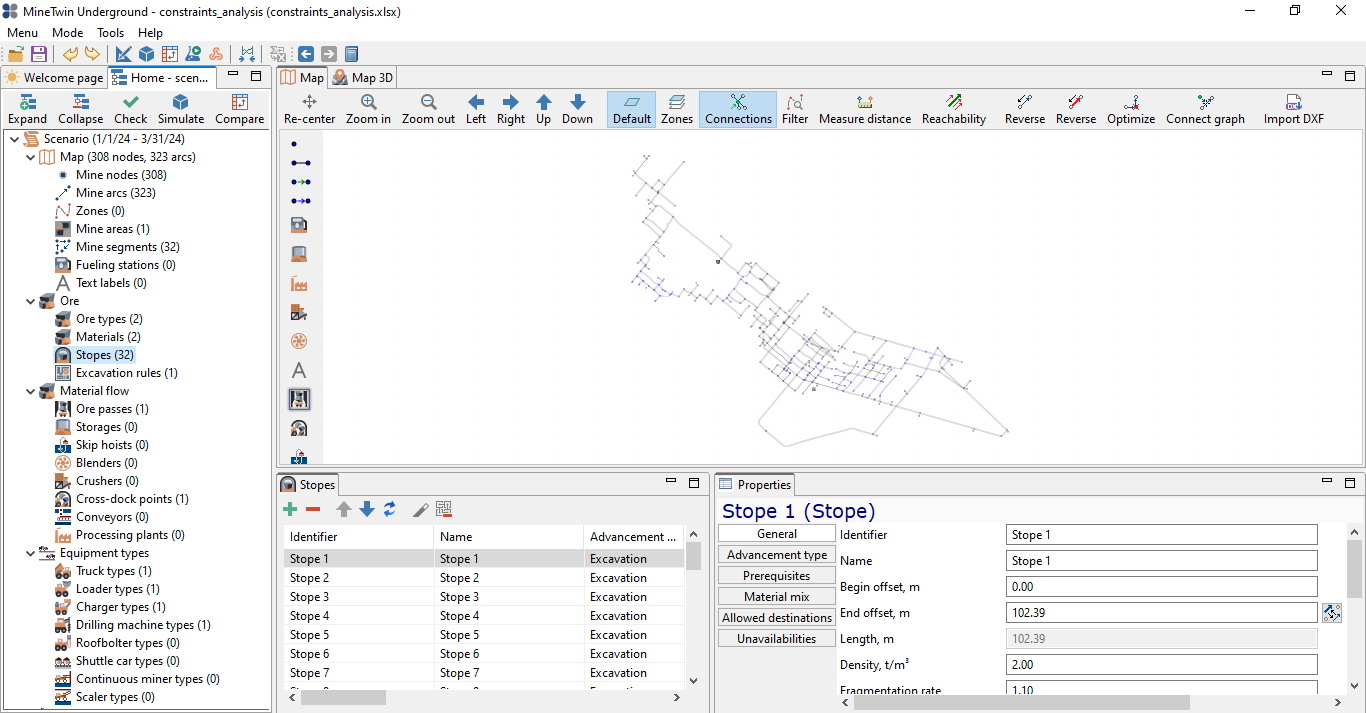
Also, let us note that our target is to mine 70Kt of 5% grade ore within the 3 months:

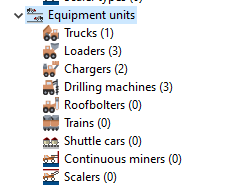
Finally, note that there are 3 loaders, 1 truck, 2 chargers and 3 drills in our scenario:
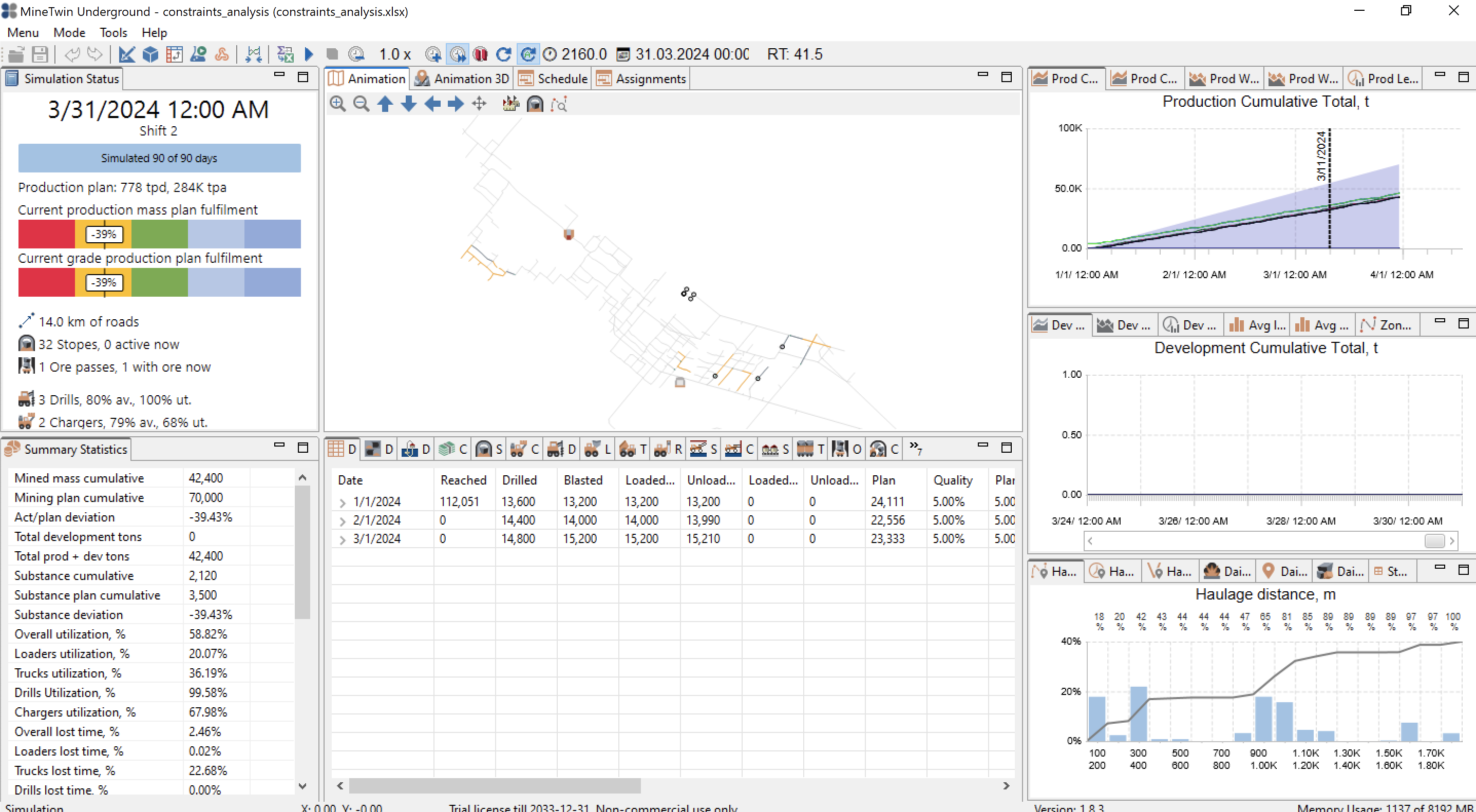
If we run the simulation experiment till the end, we can see that we are falling 52% behind the plan:
2. Run the constraints analysis
MineTwin has a constraints analysis feature where it relaxes one constraint after the other and check if The relaxation of a constraint leads to an increase in the final throughput.
Let us return to the Editor mode and click the Find constraints button:
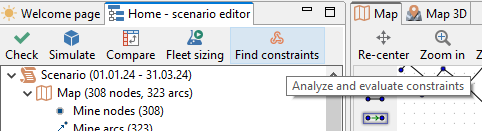
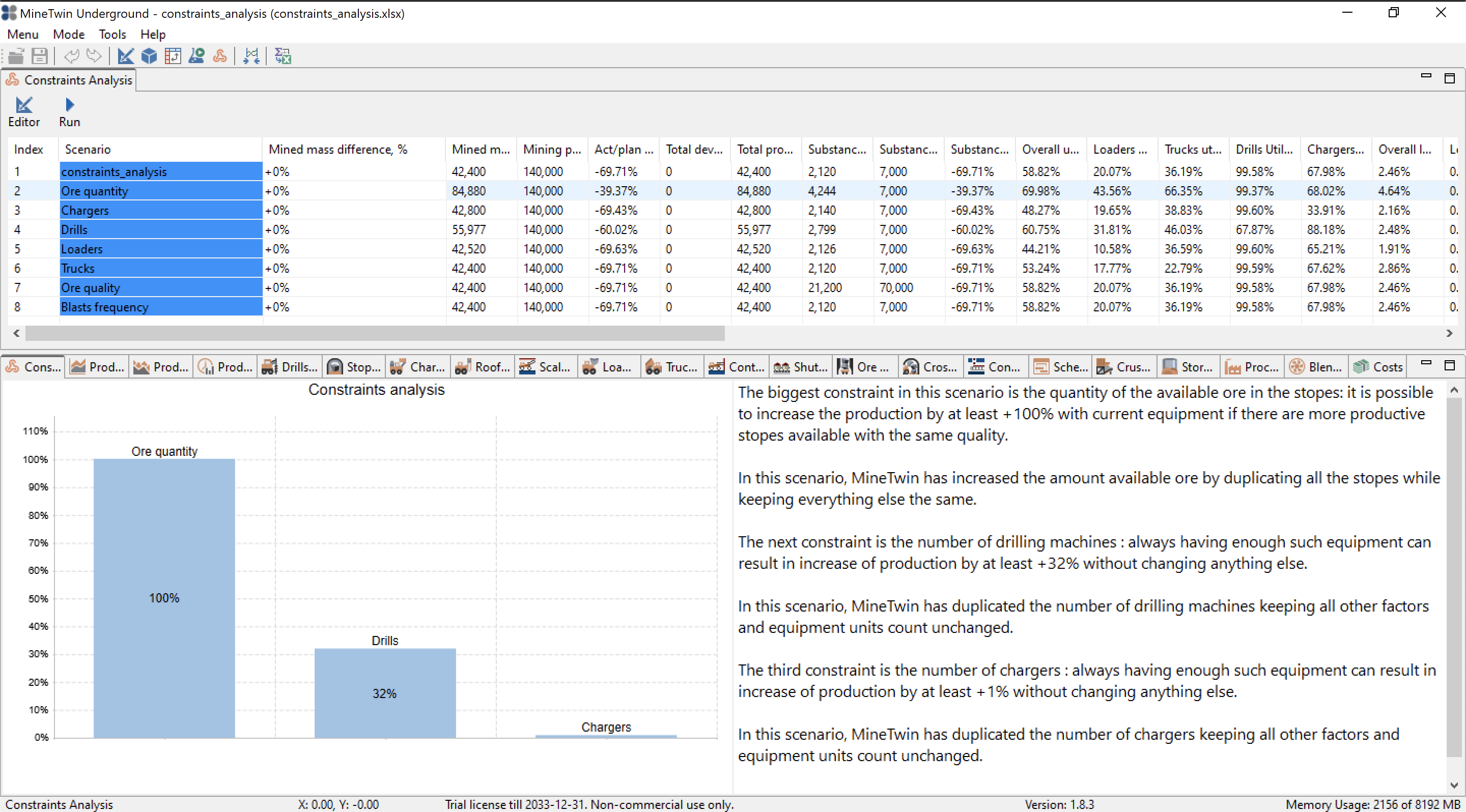
This will take us to the constraints analysis mode. In this mode, click the Run button to start the constraint analysis simulation study. The process might take anywhere from 1 to 10 minutes, depending on your machine’s performance. The result of the constraints analysis might look like this:,
3. Add constraining resources
Based on the information from the constraint analysis study, we have determined that chargers and drills are the possible constraints. Let us now add 2 charges and 2 drills by copying the existing equipment units:

Let us run the simulation experiment once again to make sure we are now able to fulfill the target:
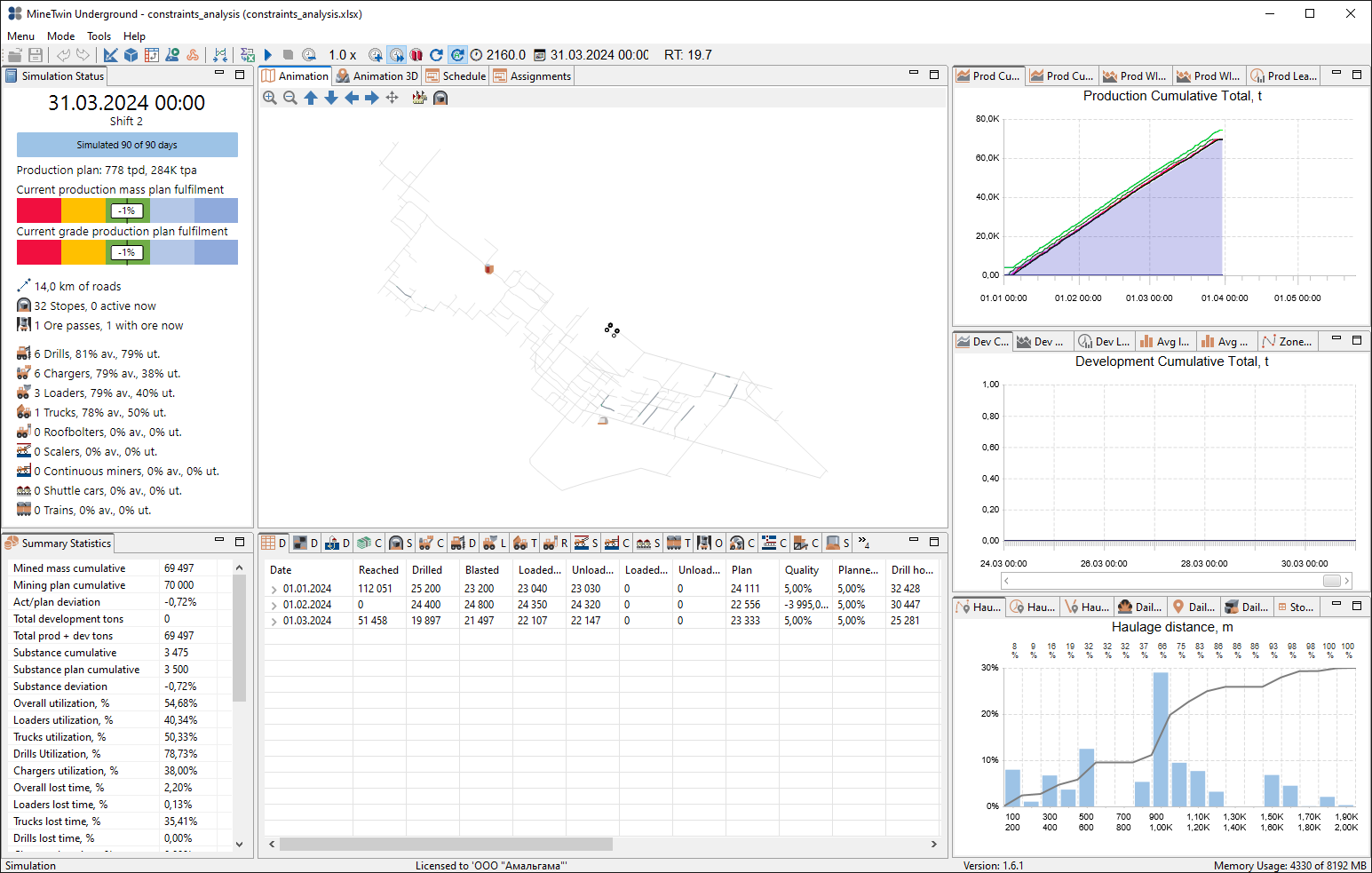
Here is the modified scenario that allows us to fulfill the target.